Resources / Pilot
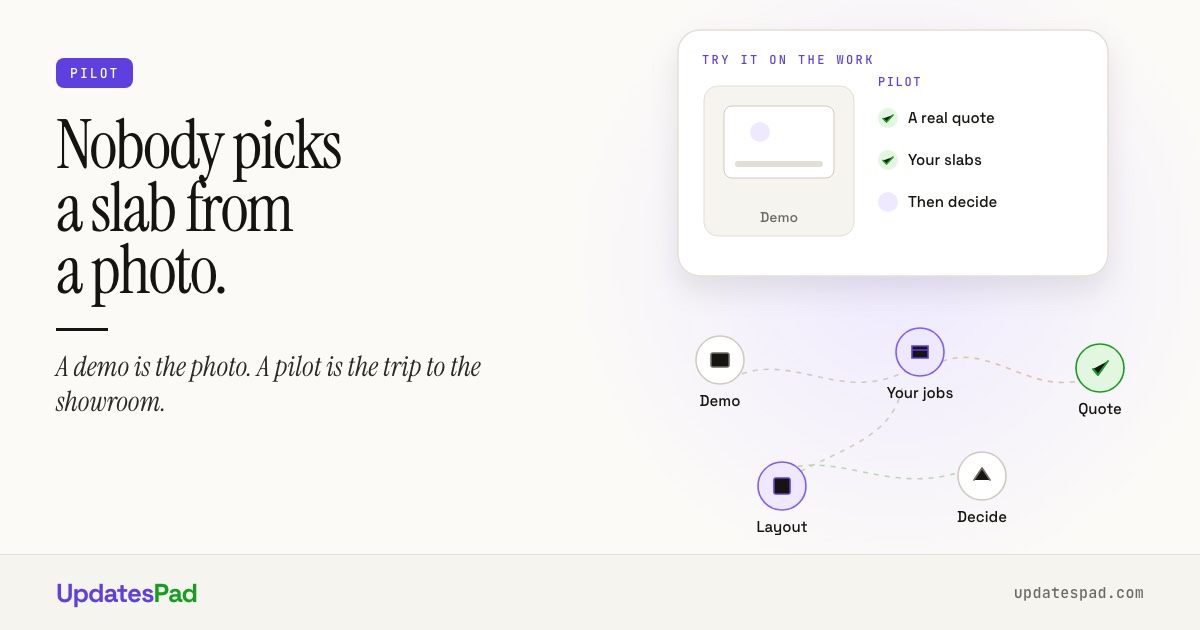
Nobody picks a slab from a photo
Ion, founder of UpdatesPad · October 9, 2026
A demo is the photo. A pilot on your real jobs is the trip to the showroom.
The showroom, not the photo
When a homeowner falls for a slab on Instagram, you send them to the showroom. A photo never shows the vein that runs right where the sink goes, or the white that turns gray under their kitchen lights. They need to stand in front of the real thing before anyone cuts it.
Buying software for your shop works the same way. A demo is the photo: clean sample data, the best angle, and someone driving who has clicked those buttons a thousand times. A pilot on your real jobs is the trip to the showroom.
Here's how to try countertop software on your own jobs before you commit, and what a fair trial should include, no matter whose software you're looking at.
UpdatesPad offers a free 30-day pilot for countertop shops that want to test it on real jobs before committing.
What a demo can't show you
A good demo answers one question: can this software do the job? That's worth knowing. But it runs on sample data, on the vendor's best day.
Your shop doesn't get best days. It gets:
- the customer who changes slabs twice after signing the quote
- the kitchen, two vanities and a fireplace surround in three materials, all on one job
- the estimator who quotes from the truck between templates
- the installer who would rather not open another app
- the person in the office who keeps half the schedule in their head
The question that matters isn't whether the software can handle those jobs. It's whether your people will actually use it on them, in a busy week, without you standing over their shoulder. A demo can't answer that. Only your own jobs can.
The real cost of trying software is the setup
The monthly price is the small number. The big number is hours.
Most trials start with an empty account. Before you learn anything, someone has to enter your customers, your materials and price lists, your edges and cutouts, and the rules you quote by. In a busy shop, nobody has a free evening for that. If you've ever signed up for a trial and never logged in a second time, you know how this goes.
There's a second cost: the move itself. Moving every open job into a system you haven't tested is the risky part. Quoting new work in one place during a 30-day pilot while older jobs finish in the other is manageable. A rushed migration isn't.
A fair trial fixes both. Someone else does the setup, and the full move happens only after you've decided to stay.
What a fair trial looks like
Use this list with any software you're considering, ours included.
- It runs on your real jobs. Not sample data. Quote the jobs you'd be quoting that week anyway.
- Your whole team is in it. Estimator, templater, office, install lead. If only the owner tries it, you've tested the owner.
- Someone else does the setup. Your customers, materials and quote rules should be loaded before anyone asks you to judge anything.
- No credit card to start. A trial that turns into a charge on day 31 is just a subscription with a countdown.
- You know how to leave. Ask what happens to your data if you don't continue: how you get it out, and when it gets deleted.
- You know what isn't built yet. Every product has gaps. Ask about them on the first call, so you don't find them in week two.
One more thing: on day 1, write down the three things that would make switching worth it. Faster quotes? Fewer "where's my job" calls? Less copying between spreadsheets? On day 30, check the list, not your gut.
How the UpdatesPad pilot works
Yes, we built our pilot to pass that list. That's the point.
Any shop can run the full product on its real jobs with a free 30-day pilot. It works the same whether you run 8 jobs a month or 80.
-
Day 1: walkthrough call.
We walk through UpdatesPad on your kind of jobs and set up accounts for everyone on your team.
-
Week 1: your shop goes in.
We load your customer accounts, materials and quote rules. You start quoting real jobs.
-
Weeks 2 to 4: run it.
Live work on real jobs, a short weekly check in by email or a quick Zoom, and anything blocking your team gets handled quickly.
-
Day 30: you decide.
If you stay, pick a plan. Plans start at $79 a month and are priced by how many jobs you run, not how many people use it. Every plan includes every feature, and we move your open jobs and history over for free. If you don't, there's no charge, ever. We export your data on request and delete it after 30 days.
No credit card to start, and you're never charged automatically.
Guide / FAQ
Questions about trying the pilot.
Next step
Try it on your jobs, not on a demo.
Tell us about your shop. We'll load your customers, materials and quote rules, and you decide on day 30.
No credit card. You're never charged automatically.