Resources / Quoting
What is countertop quoting software?
Countertop quoting software is the tool that turns a kitchen into a priced layout — slabs, edges, cutouts, labor — and gets the customer a PDF they can approve. One place instead of four.
What it is
In most stone shops the “quote” is not one document. You draw the run in a layout tool. You price square footage and edges in a spreadsheet. You email a PDF. The customer texts about a different edge profile. Now nobody is sure which version is current.
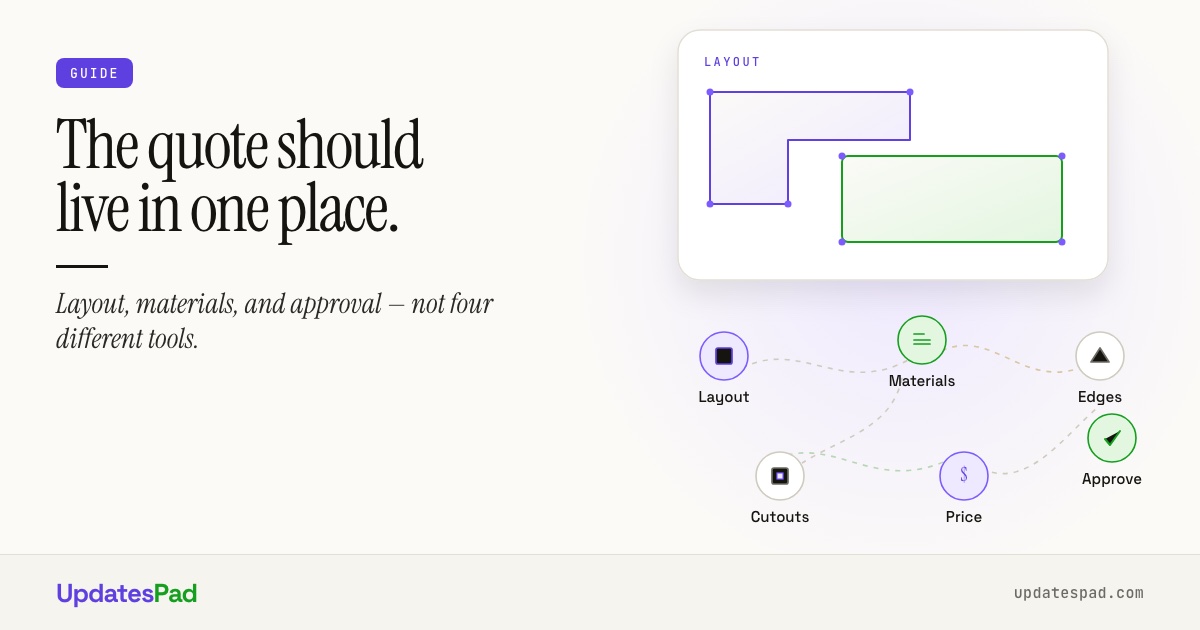
Countertop quoting software collapses that into a workflow built for fabrication: the layout is structured data, the material catalog knows slab size and cost, edge profiles and cutouts are line items (not footnotes), and the customer can approve online so the shop is not retyping an order from an email thread.
It is not a generic contractor estimate form with a picture glued on. If the tool does not speak slab, seam, overhang, and miter, you will keep faking countertop work inside software built for something else.
If you want to see how this works in practice, here's our countertop quoting software.
Must-have features
Before you sit through a demo, decide what you will not compromise on:
- Real layouts. L-shapes, U-shapes, islands, peninsulas, backsplashes — with seams and overhangs that feed pricing.
- Materials that know what they are. Quartz, granite, marble, quartzite with supplier, slab dimensions, and unit pricing.
- Edges and cutouts as first-class items. Profile pricing and sink/cooktop openings should update the total when you change them.
- Waste and labor you can see. Fabrication and install are not afterthoughts buried in a cell note.
- Branded PDF + online approval. The customer signs off without DocuSign gymnastics or a printed packet that dies in a drawer.
- Quote becomes the job. Approved work should land in scheduling and the CRM — not start as a blank order ticket.
For a line-by-line pass before you hit send, use the countertop quote checklist.
Spreadsheet vs software
Spreadsheets win on familiarity and zero license fee. They lose the moment two estimators price the same edge differently, or the drawing and the price sheet disagree after a material swap.
What spreadsheets are good at: one-off math, custom rate tables you already trust, quick scratch quotes for a buddy job.
Where they break: version control by filename, no shared layout, no customer approval trail, no automatic handoff to template / fab / install, and every new hire learning “how we quote” from someone’s head.
Software earns its keep when the shop needs a single source of truth: one layout, one price book, one PDF, one approval — and the whole office can open it without asking who has the latest file.
How UpdatesPad fits
UpdatesPad's countertop quoting software is built into the same system as CRM, jobs, and the customer portal. Draw the layout, apply materials and pricing rules, send a branded PDF with a one-click approval link. When the customer approves, the order is created — you are not re-keying into a separate job board.
Plans are priced by job volume, not per seat, so estimators and office staff can both quote. The client portal is included on every plan — not an add-on for “customer facing.”
Coming from a mature per-user trade platform? Read a fair Moraware alternative comparison — including where UpdatesPad is newer and where job-volume pricing changes the math.
Guide / FAQ
Questions about countertop quoting software.
Next step
See quoting on real countertop jobs.
Tour the product page, or tell us about your shop and we'll walk through your kind of quotes.
Or start with a free 30-day pilot. No credit card.