Resources / Checklist
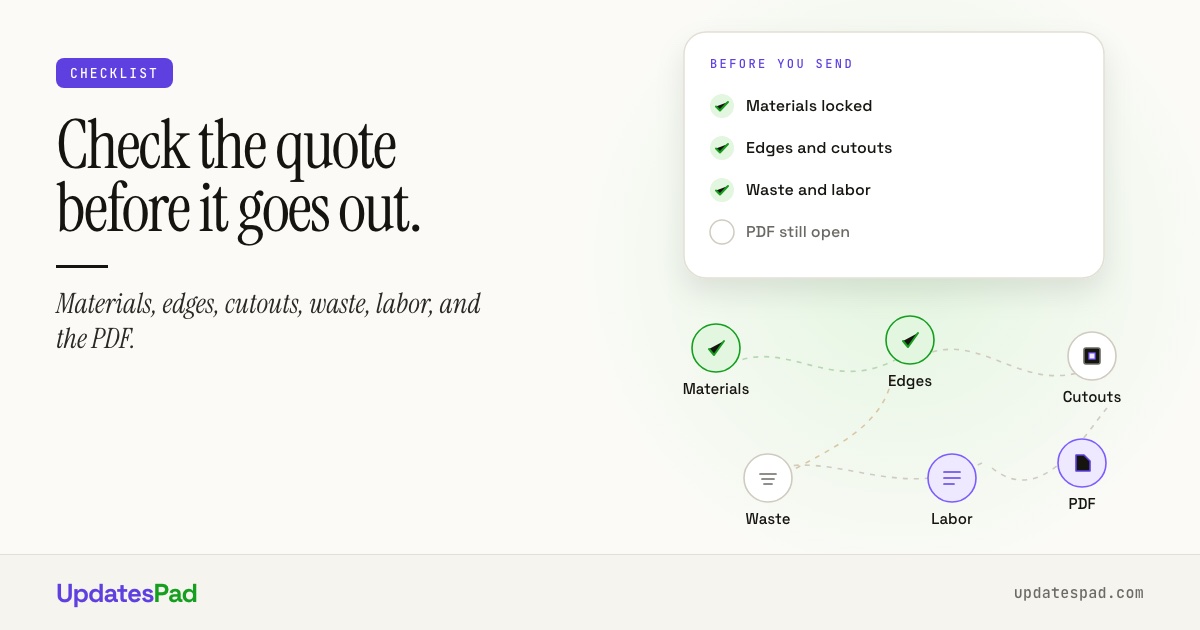
Countertop quote checklist
Run this before you send. Most “quote revisions” are items that never made the first PDF — not customers changing their minds for fun.
Why a checklist beats memory
Estimators who live in the shop can price a simple straight run from muscle memory. The jobs that blow up margins are the ones with mixed edges, a cooktop cutout nobody priced, or a waterfall that was “assumed” in the drawing and never on the line items.
Use this list on every residential quote. Print it, keep it next to the estimating screen, or fold the same checks into your quoting software so the tool nags you instead of the customer.
The checklist
-
1
Materials
Confirm material type (quartz, granite, marble, quartzite), brand/series, thickness, finish, and supplier. Note slab availability and whether the customer has already selected a specific slab. Price the slab you can actually buy this week — not the one from last month’s book.
-
2
Edges
List every edge profile by run. Call out miters, laminated edges, waterfalls, and places where the profile changes. If the island is different from the perimeter, write it down — “same as kitchen” is how free upgrades sneak in.
-
3
Cutouts
Sink (under/overmount, single/double), cooktop, faucet holes, soap dispensers, electrical, and any specialty openings. Note who supplies the sink and whether the shop is responsible for templates from the fixture.
-
4
Waste & seams
Account for slab yield, seam placement, grain matching, and remake risk on fragile materials. If the layout forces a second slab for a short leftover, the quote should show it — not surprise accounting after fab.
-
5
Labor
Template, fabricate, polish, delivery, and install as separate lines or clear packages. Stairs, outdoor, commercial, or after-hours install should not hide inside “standard labor.” Include removal of existing tops if you do that work.
-
6
Approvals
Name who can approve (homeowner vs GC), what counts as a change order, and how revisions are issued. Deposit terms and validity dates belong on the quote — not in a follow-up text three days later.
-
7
PDF handoff
Send one branded PDF with layout, line items, total, and a single path to approve or request changes. Archive the sent version with the job. If the customer needs a portal link for status later, that is the same project — not a second system.
Do this in software, not a sticky note
A checklist on paper works until the busy week hits. In UpdatesPad Quoting & Design, materials, edges, cutouts, and labor sit on the same quote as the layout — so the PDF matches what you priced.
New to the category? What is countertop quoting software? covers spreadsheet vs tool and what to demand in a demo.
Next step
Quote once. Send once.
See how UpdatesPad turns this checklist into a live layout, price, and approval PDF.
Or start with a free 30-day pilot. No credit card.