Resources / Client portal
Client portal for countertop shops
Client updates that actually cut phone tag — a private project link for timeline, photos, quote approval, and schedule. No customer app. No “any word on my tops?” loop.
What a client portal is (for stone shops)
A client portal is not a marketing website and not a full login for every homeowner in your CRM. It is a private page for one job: where the work stands, when template or install is scheduled, photos from the field, and a place to approve the quote.
Countertop projects stretch across weeks. Customers do not live in your shop software. They live in text threads. Without a portal, every status question lands on whoever answered the phone — and the answer may be stale by lunch.
Client updates are the posts and milestones you publish once so the customer (and GC) see the same truth. The portal is the channel; the updates are the content.
Why shops adopt one
- Fewer status calls. “Is it fabbed yet?” becomes “check the link” — and the link has the date.
- One source of truth. Office, installer, and customer stop comparing three different stories from three text threads.
- Quote approval in context. The customer reviews the PDF where the project lives, not as an orphan attachment in Gmail.
- Photos without the group chat. Slab shots and install progress stay on the job instead of drowning in Messages.
How UpdatesPad Client Updates works
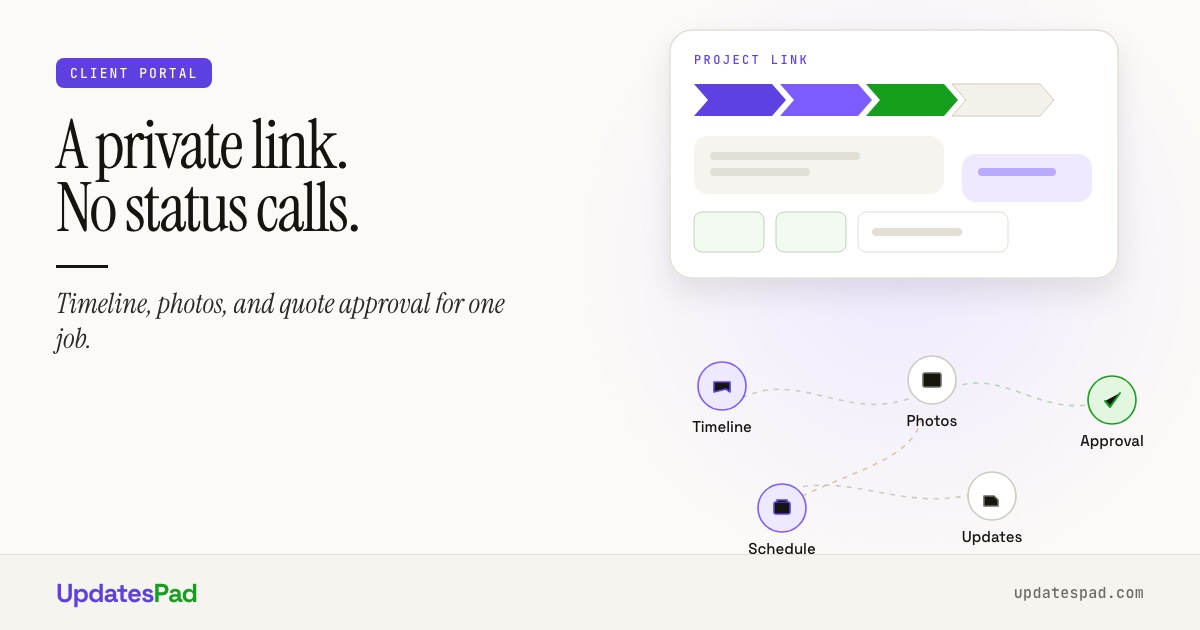
UpdatesPad Client Updates gives every project a private magic link. The customer opens it in a browser — no app, no password to forget. They see timeline, schedule, photos, and quote approvals for that job only.
The portal is included on every plan. You are not paying an extra “customer facing” tier to stop answering the same three questions every afternoon.
Quoting and the portal share the same project: send the quote from Quoting & Design, and the customer can approve from the client view when they are ready.
Guide / FAQ
Questions about client portals.
Next step
Show customers the job without another call.
See Client Updates on the product page, or book a walkthrough for your shop.
Or start with a free 30-day pilot. No credit card.